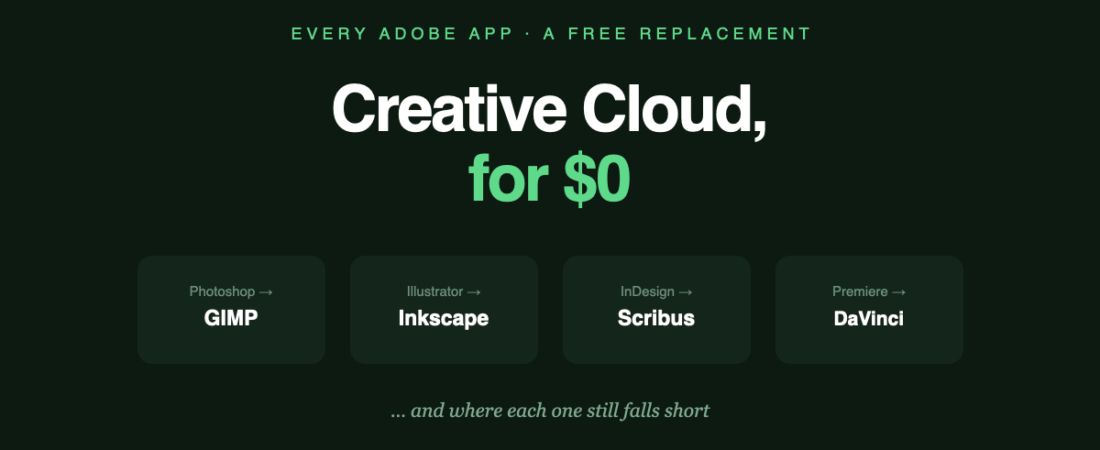
Creative Cloud All Apps is roughly $70 a month. That’s about $840 a year, indefinitely, for software you never come to own.
There is a free replacement for every major Adobe app. Some are genuinely excellent. Others have a specific gap that will stop you cold if you don’t know about it in advance. This is the honest version of that list — what to use, and exactly where each one falls down.
The swaps at a glance
| Instead of | Use | The catch |
|---|---|---|
| Photoshop | GIMP | No native CMYK |
| Illustrator | Inkscape | No native CMYK |
| InDesign | Scribus | Dated interface — but real CMYK |
| Premiere Pro | DaVinci Resolve | Steep learning curve, heavy on hardware |
| XD | Penpot or Figma | XD is discontinued anyway |
| After Effects | Blender | Not a like-for-like replacement |
| Photoshop, in a browser | Photopea | Ad-supported; opens PSDs better than GIMP |
The one gap that decides everything: CMYK
If you read nothing else, read this.
Neither GIMP nor Inkscape supports CMYK properly. Both are RGB tools. That’s fine for anything shown on a screen — web, social, UI, digital illustration. It is not fine for commercial print, where a printer needs CMYK separations and accurate soft-proofing.
This is the single most common reason people try the free stack, hit a wall on their first print job, and go back to Adobe.
The workaround: Scribus does handle CMYK and PDF/X output. So the free print workflow is: artwork in GIMP or Inkscape, then lay out and export through Scribus. It works. It’s also a step Adobe users don’t have to think about.
Where the free option is genuinely as good
DaVinci Resolve vs Premiere Pro. This one isn’t a compromise. Resolve’s colour grading is the industry reference — used on commercial film work — and the free version is fully production-capable, not a crippled trial. If there’s a single strongest argument in this whole article, it’s this one.
Blender vs Cinema 4D and friends. Blender has stopped being “the free 3D one” and become a straightforward professional choice, used in real studio pipelines.
Penpot vs XD. Slightly unfair, since Adobe discontinued XD. But if you’re leaving it anyway, the free option is a legitimate destination — self-hostable, which Figma is not.
Where you’ll feel the difference
- Generative AI. Photoshop’s generative fill has no real free equivalent. Removing an object or extending a background is seconds in Photoshop and manual clone-stamping in GIMP.
- File exchange. Studios expect .ai, .psd and .indd files. The free tools open them imperfectly and export them worse. If you’re collaborating with Adobe users, this is friction on every handoff.
- Ecosystem glue. Creative Cloud apps share libraries, fonts and assets. The free stack is separate tools that happen to sit on the same machine.
- Interface polish. Scribus in particular looks like software from another era. It works — it just isn’t pleasant.
Who this actually works for
It works well if: your output is screen-only, you work alone or with people using the same tools, you’re learning, or the subscription is a genuine financial strain.
It works badly if: you do commercial print regularly, you exchange working files with agencies and studios daily, or your retouching depends on generative AI.
A middle path most people miss: you don’t have to go all-or-nothing. Photoshop alone is $22.99/month rather than $70 for everything. Keeping the one app you genuinely need and replacing the rest is often the sensible answer — and it’s the one most “ditch Adobe” articles never mention.
The bottom line
The free stack is far better than its reputation. DaVinci Resolve and Blender are genuinely professional. GIMP 3 and Inkscape 1.4 are both real tools now, not consolation prizes.
But go in knowing the CMYK gap exists, and knowing that file exchange with Adobe users is where the friction lives. Those two things — not raw capability — are what send people back.
All of these, plus 90 more open-source options, are in our open source directory — each with its real drawbacks listed, not just its strengths.
Related reading
- GIMP vs Photoshop — the CMYK question in detail
- Inkscape vs Illustrator
- Penpot vs Figma
Banner produced in-house. Adobe pricing accurate August 2026 — Creative Cloud All Apps and single-app plans change periodically, so check Adobe’s own pricing page before budgeting.
122 ready-to-use AI prompts — organised by discipline and category, each copyable in one click, free and no sign-up needed. Browse the prompt library →