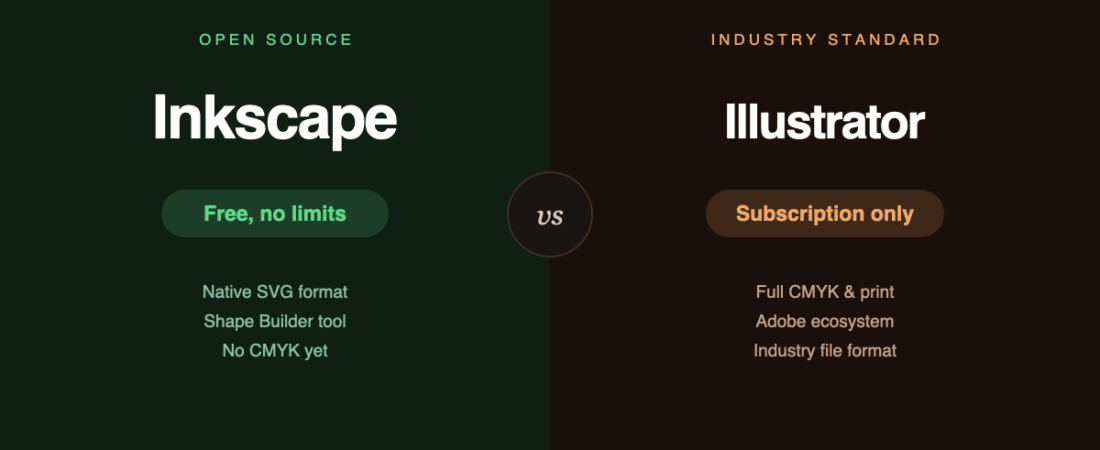
This is the fourth article in a series asking the same honest question about a different pair of tools: can the free one actually replace the paid one? For Penpot, GIMP and FreeCAD, the answer was “for some people, yes — with real gaps.” Inkscape follows the same shape.
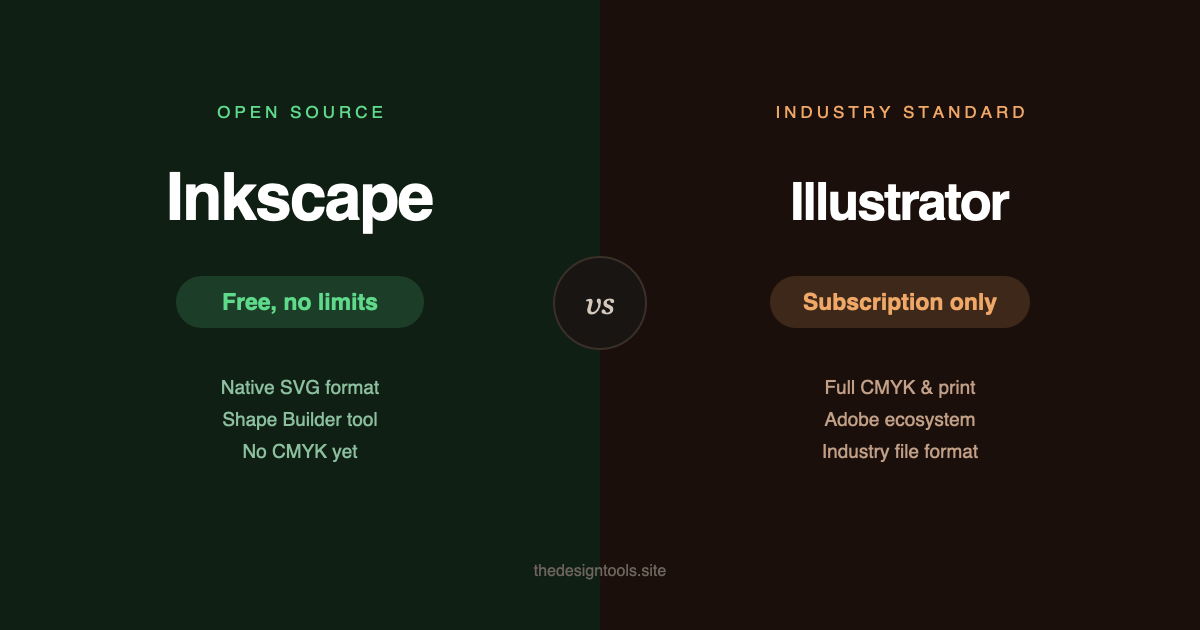
The short version
- Inkscape if you work in SVG, do web or icon work, or genuinely cannot justify a subscription for occasional vector editing.
- Illustrator if your output ends up in professional print, or you’re already living in the Adobe ecosystem with Photoshop and InDesign.
What it costs
| Inkscape | Illustrator | |
|---|---|---|
| Price | $0 | $22.99 / month, annual plan billed monthly |
| Month-to-month | — | $34.49 / month |
| Licence | Free software (GPL) | Subscription — access ends when you stop paying |
| File format | SVG, an open standard | .AI, Adobe’s own format |
Over three years that’s roughly $828 versus nothing, which is the entire reason this comparison exists.
What Inkscape 1.4 actually added
Inkscape’s current stable release brought a genuinely useful set of tools, not just bug fixes:
- Shape Builder for raster images — clip a photo into multiple sections interactively, a workflow that used to mean fighting with clip paths by hand.
- A proper Filter Gallery — searchable, with previews and categories, instead of guessing from a flat list.
- Modular and improved axonometric grids — useful for icon sets and isometric layouts specifically.
- Affinity Designer file import — one more format Illustrator doesn’t open natively.
None of this closes the gap with Illustrator entirely. But it’s the difference between “impressive for free software” and simply “a capable vector editor,” which is a meaningful shift.
Where Inkscape still loses
No native CMYK. Same gap as GIMP, and for the same underlying reason — colour management in open-source raster and vector tools has lagged behind commercial software for years. Inkscape exports RGB; getting a genuinely reliable CMYK PDF for a print shop means routing through another tool, commonly Scribus. There is active development toward proper CMYK and pre-flight checking, but as of this release it has not shipped. If your work goes to a commercial printer, this is not a minor inconvenience — plan around it.
The .AI format is still the industry’s shared language. Studios, agencies and print vendors expect it. Inkscape’s SVG-first approach is more open, but “more open” doesn’t help when the brief says “send us the .ai file.”
No Adobe ecosystem integration. If your workflow already moves between Photoshop, InDesign and Illustrator, Inkscape sits outside that entirely — no linked Creative Cloud libraries, no shared fonts panel, no round-tripping files without a format conversion.
The interface is more DIY. Highly customisable, less polished out of the box. Power users with CSS knowledge can now restyle handles and tool chrome — genuinely useful, but it’s also a sign of the audience this tool is built for.
Where Inkscape is the better choice
- Anything destined for the web. SVG is the format the web actually uses — icons, logos, illustrations that need to stay crisp at any size. Exporting from Illustrator to SVG works fine, but authoring natively in SVG means no format conversion step, ever.
- Occasional or hobbyist use. A logo now and then, some icons, a poster — paying monthly for software opened twice a quarter is a bad trade regardless of how capable it is.
- Students and people learning vector fundamentals. Paths, nodes, boolean operations — the concepts transfer directly to Illustrator later, if a subscription ever makes sense.
- You want your files to outlive the software. SVG is a stable open standard maintained by the W3C. It will open in something, indefinitely, regardless of what happens to any one vendor.
The bottom line
Illustrator is still the deeper tool, and for anyone doing professional print work or already paying for Creative Cloud, the subscription buys real capability that Inkscape doesn’t yet match — CMYK output chief among them.
But Inkscape 1.4 is no longer “the free one with an asterisk.” For web and screen work, icon design, and anyone whose real requirement is “a genuinely capable vector editor” rather than “the industry standard,” it now holds up on its own — and the money you don’t spend is real.
Sources
- Inkscape — official site
- Inkscape 1.4 release notes — official, via GitLab
- Adobe Illustrator — official pricing, checked August 2026
- Both listed in the directory: Inkscape · Adobe Illustrator
Banner produced in-house. Pricing and feature gaps described were accurate in August 2026 — CMYK support in particular is under active development, so check current status before ruling Inkscape out for print work.
122 ready-to-use AI prompts — organised by discipline and category, each copyable in one click, free and no sign-up needed. Browse the prompt library →