Every few months someone asks whether an open-source tool can finally replace Figma. Usually the honest answer is “not really.” Penpot is the first one where the answer is “it depends what you need” — which is a much more interesting place to be.
Key takeaways
- Choose Penpot when files must stay inside your infrastructure or open-source licensing is a requirement.
- Figma remains stronger for heavy files, advanced prototyping, plugins, and compatibility with outside collaborators.
- Penpot offers self-hosting, native design tokens, free developer inspect, and browser-mapped CSS layout.
- Penpot’s plugin API is newer, its library is thinner, and import of .fig files is imperfect.
- Run one real project in parallel before migrating, testing your largest file, plugins, and developer handoff.
Here is where the two actually stand, including the parts where Penpot loses.
The short version
- Choose Penpot if your design files cannot leave your infrastructure, if per-seat pricing is genuinely painful at your team size, or if open-source licensing is a requirement rather than a preference.
- Stay on Figma if you depend on plugins, run very large files, need advanced prototyping, or work with clients and contractors who will all be handing you
.figfiles.
What it costs
This is the part that moves the needle for most people, so let’s be specific.
| Penpot | Figma | |
|---|---|---|
| Free tier | $0 — up to 8 members, 10 GB | Starter — limited, unlimited drafts |
| Paid entry | $7 / user / month | $16 / full seat / month |
| Business tier | $25 / user / month | $55 / full seat / month (annual only) |
| Self-hosted | Free — you pay for the server | Not available |
One detail worth knowing: Penpot’s Unlimited plan caps the total monthly bill at $175 no matter how many people you add. For a 40-person team that is the difference between a rounding error and a line item someone has to defend.
Figma also splits seats by role — Dev seats ($12) and Collab seats ($3) on Professional cost less than full seats, so a real bill is usually lower than “everyone × $16”. Compare like for like before you quote a number to your finance team.
Where Penpot genuinely wins
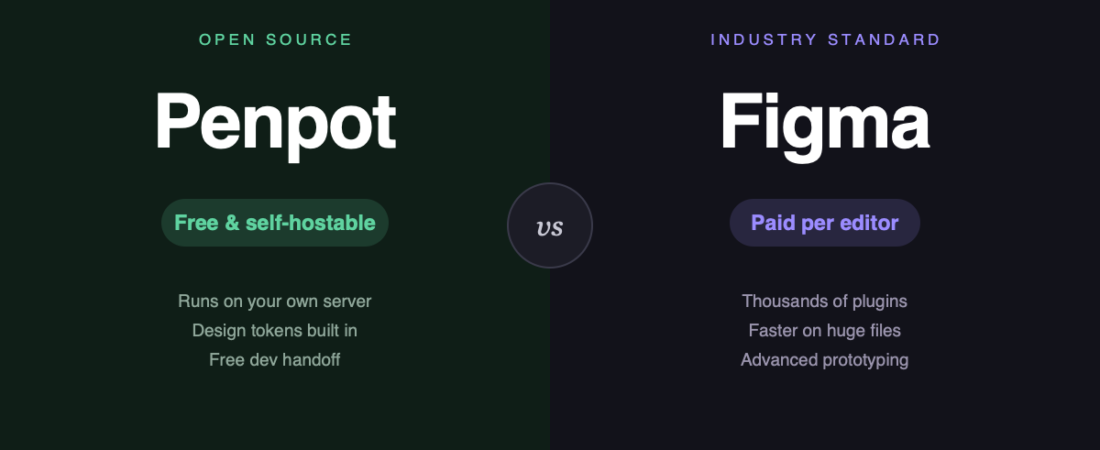
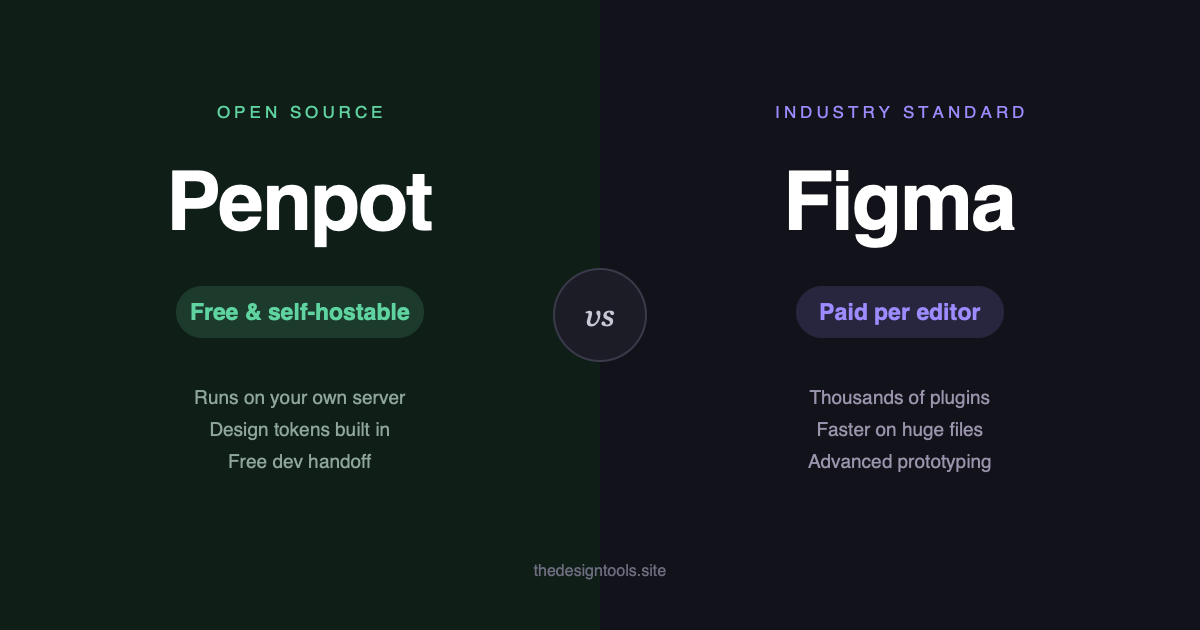
Self-hosting is the real one. You can run Penpot with Docker entirely inside your own network — air-gapped if you need it. For agencies under client NDAs, healthcare, defence, banking, or anyone in a procurement conversation about data residency, this single feature ends the debate. Figma has no equivalent; your files live on Figma’s servers. For the full comparison with drawbacks stated, see our Figma alternatives guide.
Design tokens are native, not bolted on. Penpot exports W3C DTCG-format tokens directly. In Figma this is typically a plugin-shaped problem.
Developer inspect is free. There is no paid tier gating handoff, which quietly matters when the people who need to read your specs outnumber the people drawing them.
It uses real CSS layout. Flex and Grid work the way they work in a browser, so what you hand a developer maps to something they can actually build.
Where Penpot still loses
This is the section most comparison posts skip. It is also the section that will decide whether you regret switching.
- Performance on heavy files. Penpot gets sluggish where Figma stays smooth — large documents, dense vector work, complex component trees. If your files are big, test with a real one before committing.
- The plugin ecosystem is young. Figma has thousands of plugins covering stock imagery, accessibility checks, content population, icon libraries. Penpot’s plugin API is comparatively new and the library is thin. If a plugin is load-bearing in your workflow, check it exists first.
- Prototyping is basic. Click-through flows and transitions work fine. Drag gestures, conditional logic and variable-driven prototypes do not.
- AI features lag. Figma has shipped considerably more here, and the gap is currently widening rather than closing.
- Everyone else uses Figma. Not a technical limitation, but the most common reason switches fail. Freelancers, agencies and new hires will hand you
.figfiles, and import is imperfect.
A realistic way to try it
Don’t migrate. Run one real project in parallel — ideally a small internal one with a deadline that is not scary — and pay attention to three things: how it feels on your largest file, whether you reach for a plugin that isn’t there, and how the developer handoff actually lands.
That takes a fortnight and tells you more than any comparison table, including this one.
The bottom line
Figma is still the better tool for most teams, and pretending otherwise would be doing you a disservice. It is faster on serious files, deeper in every direction, and it is what the rest of the industry already opens.
Penpot is the better answer when the requirement is not “best design tool” but “design tool we are allowed to use” — or when the per-seat maths has stopped making sense. Those are narrower cases than the open-source enthusiasm suggests, but they are real, and Penpot is now genuinely good enough to serve them.
Sources
- Penpot pricing — official, checked August 2026
- Figma pricing — official, checked August 2026
Banner produced in-house. Pricing and feature gaps described were accurate in August 2026 — both tools move quickly, so check the vendor pages before making a decision.
Penpot is a credible choice for teams that need self-hosting, open-source licensing, or relief from per-seat pricing. Skip it for now if your workflow depends on a deep plugin ecosystem, heavy files, advanced prototypes, or constant .fig-file exchange.
Keep reading
Frequently asked questions
Is Penpot better than Figma?
Penpot is better when self-hosting, open-source licensing, or per-seat pricing matters most. Figma is still the better fit for most teams because it is faster on serious files, deeper in features, and widely used by collaborators.
Can Penpot replace Figma?
It can replace Figma for teams whose files need to stay on their own infrastructure or whose pricing constraints make Figma difficult. Teams dependent on plugins, large files, advanced prototyping, or .fig exchanges should test carefully first.
What are the main disadvantages of Penpot?
Penpot can become sluggish on large or complex files, and its plugin ecosystem is comparatively young and thin. Its prototyping is basic, AI features lag, and .fig import is imperfect.
122 ready-to-use AI prompts — organised by discipline and category, each copyable in one click, free and no sign-up needed. Browse the prompt library →