Disclosure: The Design Tools sells advertising, including the placements described near the end of this guide. Everything before that section is written to be useful whether or not you ever buy from us, and prices for other channels come from their own pages, checked on 12 September 2026.
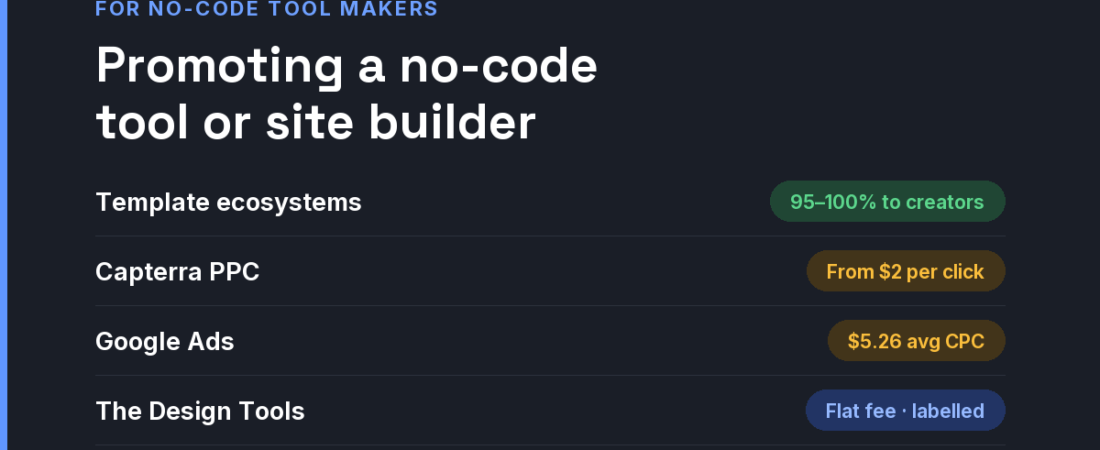
Short answer: No-code tools and website builders are chosen at the comparison stage — “X vs Y”, “X alternative” — and rarely switched once a site is live. So the winning channels are the ones present at that moment: templates that let someone start a real project, honest comparison content, software review sites such as Capterra (bids from $2 per click), and placements on sites where designers and founders compare builders side by side.

What makes this market different
- Switching cost is the whole game. Once a client site is built, nobody migrates for a slightly better feature. You win before the first page is built, or you wait for the next project.
- Templates are acquisition. The large platforms pay template creators generously — Webflow pays 95% of template sales and Framer lets creators keep 100% — because every template is a new project started on their platform.
- Agencies multiply. One freelancer or agency that standardises on your builder brings every future client site with them.
- The objections are specific. Hosting limits, CMS item caps, export and lock-in, and what the price becomes at the second or tenth site. Put them on the pricing page before a competitor’s comparison table does.
The channels, compared
| Channel | What it costs | Audience intent | Best for |
|---|---|---|---|
| Template programme (your own) | The revenue share you offer. For reference: Webflow pays creators 95% (since October 2025); Framer creators keep 100% of paid templates | Builders starting a real project | Platforms that can support a creator ecosystem |
| Capterra PPC | Bids start at $2 per click; competitive categories cost more | Business buyers comparing software | Builders selling to small businesses |
| Google Ads | All-industry average CPC $5.26 (WordStream, 2025) | High on “alternative” and “vs” queries, which are competitive | Challengers with a sharp positioning |
| Product Hunt launch | Free to use | Makers and indie founders | Launch awareness, early community |
| Agency and freelancer partner programmes | Revenue share or discounts you set | Professionals who build many sites | Multiplying accounts per customer |
| Niche design-tool sites (like ours) | Flat fees; ours start at $19 | Designers and founders comparing builders | Testing a message on a decided audience |
If you are a smaller builder, you cannot outbid the incumbents on “website builder”. You can own narrower comparisons: the builder for portfolios with client proofing, the no-code app builder that exports real code, the one with pricing that does not jump at the second site. Those phrases are cheaper to buy and much easier to win organically.
A 30-day plan for a small budget
- Week 1 — publish the real price. Show what one site, five sites and a client handover cost, including hosting. Builders lose most comparisons on a hidden number.
- Week 1 — ship three templates for one niche. Not thirty generic ones. Three excellent starters for the audience you want most.
- Week 2 — write the migration guide. “Moving from [incumbent] to us” with an honest list of what does not carry over.
- Week 3 — buy comparison-stage placements. A capped Capterra or Google test on alternative queries, plus one discipline placement, each with its own UTM.
- Week 4 — recruit five builders. Offer agencies and template creators a real revenue share. They will out-market any ad you can afford.
Where The Design Tools fits — and where it does not
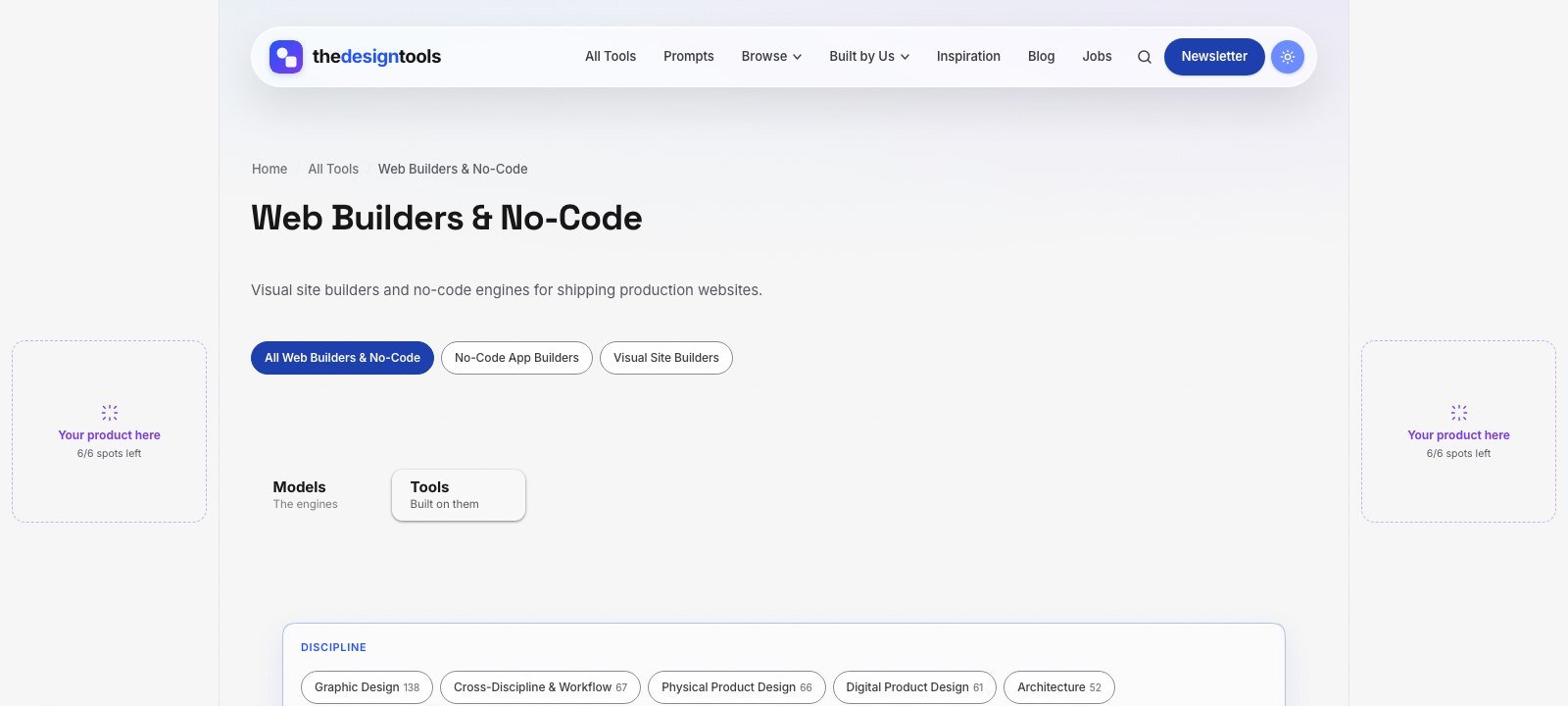
The Design Tools is an independent directory of design tools across nine disciplines. One of them is Web Builders & No-Code — visual site builders and no-code app engines for shipping production work — and every tool we review there is listed with its real drawbacks, not just its strengths. Designers, freelancers and founders arrive to choose a tool, which is the moment a placement is worth something.
What you can buy, as of September 2026:
- Discipline page sponsorship — a labelled placement on the Web Builders & No-Code page, $29 per 4 weeks. The smallest audience on the site, and the most decided one.
- Blog article sponsorship — a relevant article featured on the blog for a month, $39.
- Sitewide sponsor slot — a card in the sponsor rail on every page. Live availability is below.
- Launch package — every placement together for one 4-week run, $199.
Where it does not fit: we are a young, independent site that launched in July 2026, so our audience is small. If you are selling to IT departments through procurement, review sites and direct sales will serve you better. If your buyer is a designer or small studio choosing a builder for the next project, that is who reads this page. Ask us for the page’s recent traffic before you pay.
The rules we will not bend: every placement is labelled Sponsored and links with rel="sponsored". Sponsoring never changes a ranking or removes a drawback from a review (the only paid way into the directory is a $29 Maker Verified listing, and those pages are marked as paid) — listing is free and editorial. That is why a recommendation here is believed, and it is what a sponsor is paying to stand next to.
See every placement and send an inquiry → We reply within 24 hours.
Frequently asked questions
How can a small website builder compete with Webflow and Framer?
Not head-on. Pick a narrow audience, publish transparent pricing, make migration easy, and win the specific comparisons your audience searches for. Template creators and agencies can carry your platform further than ads.
Is Capterra worth it for a no-code tool?
It can be for builders sold to small businesses, because visitors are actively comparing software. Bids start at $2 per click, so cap the budget, track trials to paid, and stop if the category is too competitive.
Should I pay template creators to build on my platform?
If templates are how people start projects on your platform, yes. The large builders pay creators 95–100% of template revenue because each template brings a new project and, often, a new paying site.
How much does it cost to advertise on The Design Tools?
As of September 2026, a discipline page placement is $29 per 4 weeks, a blog article sponsorship is $39, and the full launch package is $199. Current prices and sitewide slot availability are on the advertise page.
Does sponsoring The Design Tools get my tool listed or ranked higher?
No. Listing is free and editorial, and sponsorship is labelled and kept separate from it. Sponsoring never changes a ranking or removes a drawback from a review (the only paid way into the directory is a $29 Maker Verified listing, and those pages are marked as paid).
{“@context”: “https://schema.org”, “@type”: “FAQPage”, “mainEntity”: [{“@type”: “Question”, “name”: “How can a small website builder compete with Webflow and Framer?”, “acceptedAnswer”: {“@type”: “Answer”, “text”: “Not head-on. Pick a narrow audience, publish transparent pricing, make migration easy, and win the specific comparisons your audience searches for. Template creators and agencies can carry your platform further than ads.”}}, {“@type”: “Question”, “name”: “Is Capterra worth it for a no-code tool?”, “acceptedAnswer”: {“@type”: “Answer”, “text”: “It can be for builders sold to small businesses, because visitors are actively comparing software. Bids start at $2 per click, so cap the budget, track trials to paid, and stop if the category is too competitive.”}}, {“@type”: “Question”, “name”: “Should I pay template creators to build on my platform?”, “acceptedAnswer”: {“@type”: “Answer”, “text”: “If templates are how people start projects on your platform, yes. The large builders pay creators 95–100% of template revenue because each template brings a new project and, often, a new paying site.”}}, {“@type”: “Question”, “name”: “How much does it cost to advertise on The Design Tools?”, “acceptedAnswer”: {“@type”: “Answer”, “text”: “As of September 2026, a discipline page placement is $29 per 4 weeks, a blog article sponsorship is $39, and the full launch package is $199. Current prices and sitewide slot availability are on the advertise page.”}}, {“@type”: “Question”, “name”: “Does sponsoring The Design Tools get my tool listed or ranked higher?”, “acceptedAnswer”: {“@type”: “Answer”, “text”: “No. Listing is free and editorial, and sponsorship is labelled and kept separate from it. Sponsoring never changes a ranking or removes a drawback from a review (the only paid way into the directory is a $29 Maker Verified listing, and those pages are marked as paid).”}}]}
Sources and when we checked them
All prices and terms were checked on 12 September 2026. Platforms change their pricing often — confirm on the linked page before you budget.
- Webflow — Template Creator Program updates — 95% commission, launched 21 October 2025
- Framer Help — How the Creator Program works — creators keep 100% of paid template revenue
- Capterra — What is PPC? A guide to B2B software pay-per-click — bids start at $2 per click
- WordStream — Google Ads Benchmarks 2025 — all-industry average CPC $5.26
- Product Hunt — Launch guide — “Is Product Hunt free? Yes.”
122 ready-to-use AI prompts — organised by discipline and category, each copyable in one click, free and no sign-up needed. Browse the prompt library →