Disclosure: The Design Tools sells advertising, including the placements described near the end of this guide. Everything before that section is written to be useful whether or not you ever buy from us, and prices for other channels come from their own pages, checked on 12 September 2026.
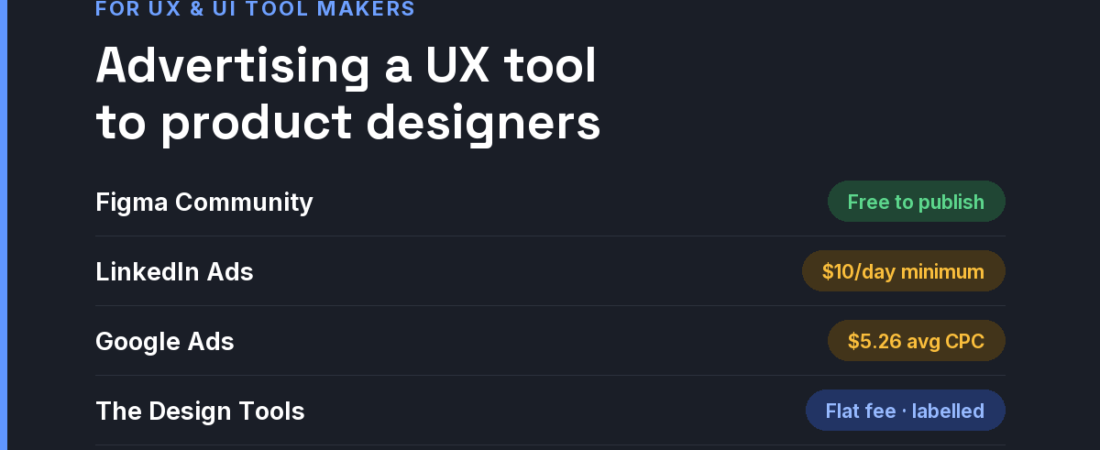
Short answer: Product designers adopt tools bottom-up, and mostly inside Figma. The efficient path is to meet them there first — with a plugin, an import path or a free file — prove value on a real project with a free tier, and only then pay for reach: LinkedIn for job-title targeting (from a $10 daily minimum), Google Ads for searchable jobs such as “usability testing tool”, and flat-fee placements on design sites where designers compare tools.

How product designers actually choose tools
- One designer tries it; a lead buys it. Your first user is an individual testing on a real file. Your real sale is a seat count, weeks later, approved by someone who never saw your ad.
- Figma is the gravity well. If your tool neither imports from nor exports to Figma, that is the first objection you will hear — usually silently, as a bounce.
- Designers distrust marketing imagery. They read changelogs and look at real screenshots. Show the actual interface doing the actual job, not a stock photo of a team smiling at a laptop.
- The buyer is not always a designer. Research, analytics and accessibility tools are often chosen jointly with researchers, PMs and engineers, so the page has to make sense to all three.
The channels, compared
| Channel | What it costs | Audience intent | Best for |
|---|---|---|---|
| Figma Community (plugins, widgets, files) | Free to publish. Paid resource sales carry a 15% fee, but Figma is not approving new sellers | Designers inside their working tool | Plugins and companions that live next to Figma |
| Product Hunt launch | Free to use | Early adopters | Launch awareness and first feedback |
| LinkedIn Ads | $10 minimum daily budget; $100 minimum lifetime budget for a new campaign | Low intent, precise job-title targeting | Selling team seats to design leads |
| Google Ads | All-industry average CPC $5.26 (WordStream, 2025) | High when the query names the job | Tools with a clear, searchable category |
| Carbon Ads | $5–$6 CPM; 1M impressions a month recommended. UI/UX designers are 24.6% of its developer audience | Readers of technical sites | Tools that straddle design and front-end code |
| Niche design-tool sites (like ours) | Flat fees; ours start at $19 | Designers comparing tools in one discipline | Testing positioning cheaply |
The row most vendors underrate is the first one. A small, genuinely useful Figma plugin is marketing that designers install voluntarily and open every day. It does not need to be your whole product — an importer, a linter, or a “send to [your tool]” button is enough to put your name inside the file where the work happens.
A 30-day plan for a small budget
- Week 1 — build the bridge. Ship the smallest Figma integration that is useful on its own, and make sure the free tier works on a real file without a sales call.
- Week 1 — write the honest comparison. Designers will compare you with the incumbent anyway. A page that says plainly where the incumbent is better earns the trust to say where you are.
- Week 2 — launch. Product Hunt, plus a short post with real screenshots in the design communities you already take part in.
- Week 3 — buy one targeted placement. A discipline-specific placement with a UTM link, measured on activated workspaces rather than clicks.
- Week 4 — add LinkedIn only if you sell seats. Job-title targeting is precise but expensive per click; it pays when a single conversion is a team plan, not a single freelancer.
Where The Design Tools fits — and where it does not
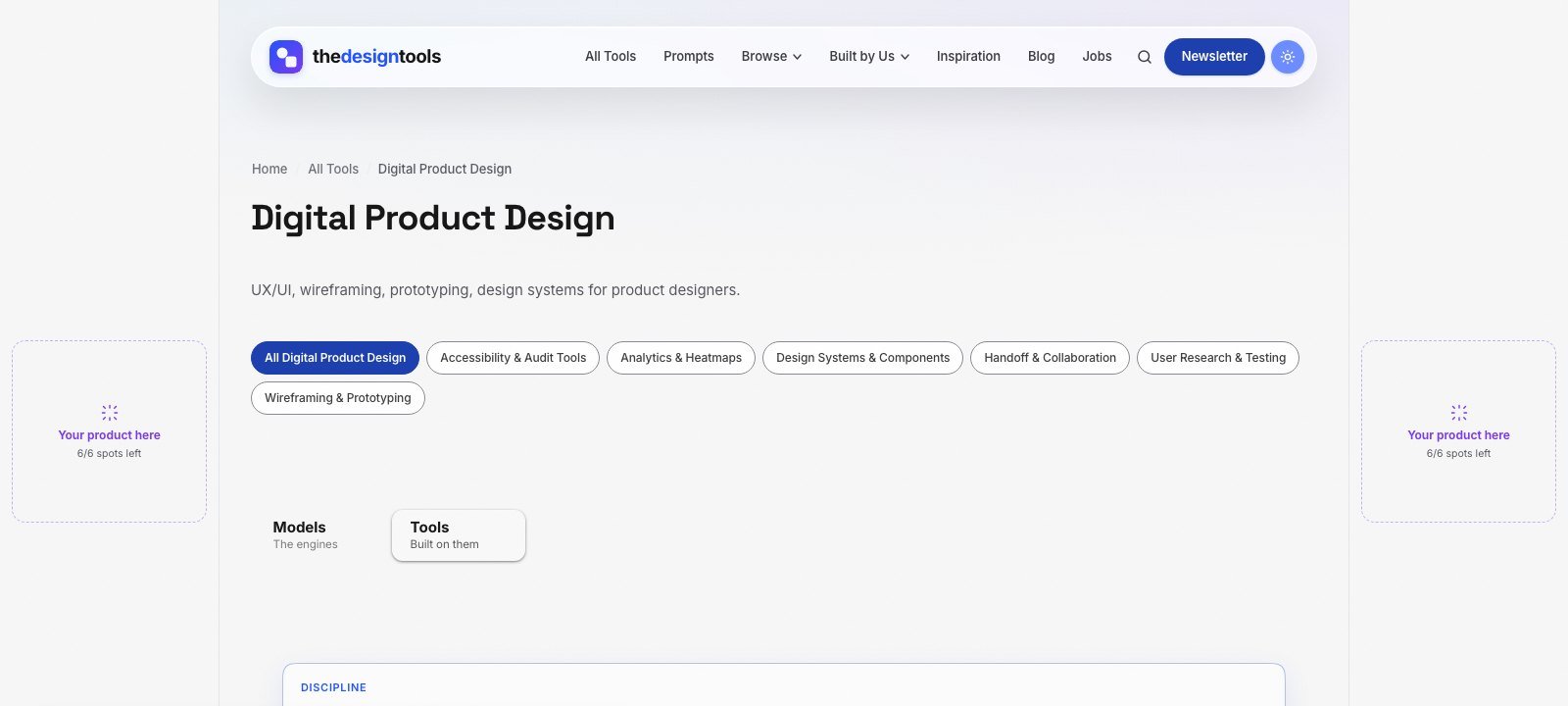
The Design Tools is an independent directory of design tools across nine disciplines. One of them is Digital Product Design — UX/UI, wireframing, prototyping, research and handoff tools — and every tool we review there is listed with its real drawbacks, not just its strengths. Product and UX/UI designers arrive to choose a tool, which is the moment a placement is worth something.
What you can buy, as of September 2026:
- Discipline page sponsorship — a labelled placement on the Digital Product Design page, $29 per 4 weeks. The smallest audience on the site, and the most decided one.
- Blog article sponsorship — a relevant article featured on the blog for a month, $39.
- Sitewide sponsor slot — a card in the sponsor rail on every page. Live availability is below.
- Launch package — every placement together for one 4-week run, $199.
Where it does not fit: we are a young, independent site that launched in July 2026, so our audience is small. If you need enterprise-scale reach with procurement-ready lead forms, LinkedIn will get you further. If you want to learn whether practising designers respond to your positioning, cheaply and quickly, start here. Ask us for the page’s recent traffic before you pay.
The rules we will not bend: every placement is labelled Sponsored and links with rel="sponsored". Sponsoring never changes a ranking or removes a drawback from a review (the only paid way into the directory is a $29 Maker Verified listing, and those pages are marked as paid) — listing is free and editorial. That is why a recommendation here is believed, and it is what a sponsor is paying to stand next to.
See every placement and send an inquiry → We reply within 24 hours.
Frequently asked questions
Is it worth building a Figma plugin just for marketing?
Often, yes — if the plugin is useful on its own. It puts your product inside the file where designers work, it is free to publish, and people open it voluntarily. A plugin that is only an advert gets uninstalled.
Can I sell a paid file or plugin on the Figma Community?
Only if you were already approved. When we checked on 12 September 2026, Figma’s help centre said it was not approving new creators to sell paid resources; existing sellers pay a flat 15% fee.
What is the minimum budget to advertise on LinkedIn?
LinkedIn sets a $10 minimum daily budget for any ad format and a $100 minimum lifetime budget for a new campaign. In practice, precise B2B targeting means few clicks at that level, so treat it as a seat-sales channel.
How do I get my UX tool reviewed on The Design Tools?
Submit it through the free submission form. Listings are editorial: we list real drawbacks alongside strengths, and nobody can pay to change a review; the only paid way in is a $29 Maker Verified listing that is marked as paid.
Does sponsoring The Design Tools get my tool listed or ranked higher?
No. Listing is free and editorial, and sponsorship is labelled and kept separate from it. Sponsoring never changes a ranking or removes a drawback from a review (the only paid way into the directory is a $29 Maker Verified listing, and those pages are marked as paid).
{“@context”: “https://schema.org”, “@type”: “FAQPage”, “mainEntity”: [{“@type”: “Question”, “name”: “Is it worth building a Figma plugin just for marketing?”, “acceptedAnswer”: {“@type”: “Answer”, “text”: “Often, yes — if the plugin is useful on its own. It puts your product inside the file where designers work, it is free to publish, and people open it voluntarily. A plugin that is only an advert gets uninstalled.”}}, {“@type”: “Question”, “name”: “Can I sell a paid file or plugin on the Figma Community?”, “acceptedAnswer”: {“@type”: “Answer”, “text”: “Only if you were already approved. When we checked on 12 September 2026, Figma’s help centre said it was not approving new creators to sell paid resources; existing sellers pay a flat 15% fee.”}}, {“@type”: “Question”, “name”: “What is the minimum budget to advertise on LinkedIn?”, “acceptedAnswer”: {“@type”: “Answer”, “text”: “LinkedIn sets a $10 minimum daily budget for any ad format and a $100 minimum lifetime budget for a new campaign. In practice, precise B2B targeting means few clicks at that level, so treat it as a seat-sales channel.”}}, {“@type”: “Question”, “name”: “How do I get my UX tool reviewed on The Design Tools?”, “acceptedAnswer”: {“@type”: “Answer”, “text”: “Submit it through the free submission form. Listings are editorial: we list real drawbacks alongside strengths, and nobody can pay to change a review; the only paid way in is a $29 Maker Verified listing that is marked as paid.”}}, {“@type”: “Question”, “name”: “Does sponsoring The Design Tools get my tool listed or ranked higher?”, “acceptedAnswer”: {“@type”: “Answer”, “text”: “No. Listing is free and editorial, and sponsorship is labelled and kept separate from it. Sponsoring never changes a ranking or removes a drawback from a review (the only paid way into the directory is a $29 Maker Verified listing, and those pages are marked as paid).”}}]}
Sources and when we checked them
All prices and terms were checked on 12 September 2026. Platforms change their pricing often — confirm on the linked page before you budget.
- Figma Help Center — About selling Community resources — 15% fee; not approving new sellers
- Product Hunt — Launch guide — “Is Product Hunt free? Yes.”
- LinkedIn Marketing Solutions — Making the most of your budget — $10 minimum daily budget, $100 minimum lifetime budget for new campaigns
- WordStream — Google Ads Benchmarks 2025 — all-industry average CPC $5.26
- Carbon Ads — Media kit, pricing and targeting — $6 CPM developer, $5 CPM creator, 1M impressions a month recommended
122 ready-to-use AI prompts — organised by discipline and category, each copyable in one click, free and no sign-up needed. Browse the prompt library →