If you still have Adobe XD on your machine, you’ve probably noticed it stopped changing. No new features, no roadmap, and it quietly disappeared from Adobe’s purchase options. Here’s exactly where it stands and what to move to.
The short version
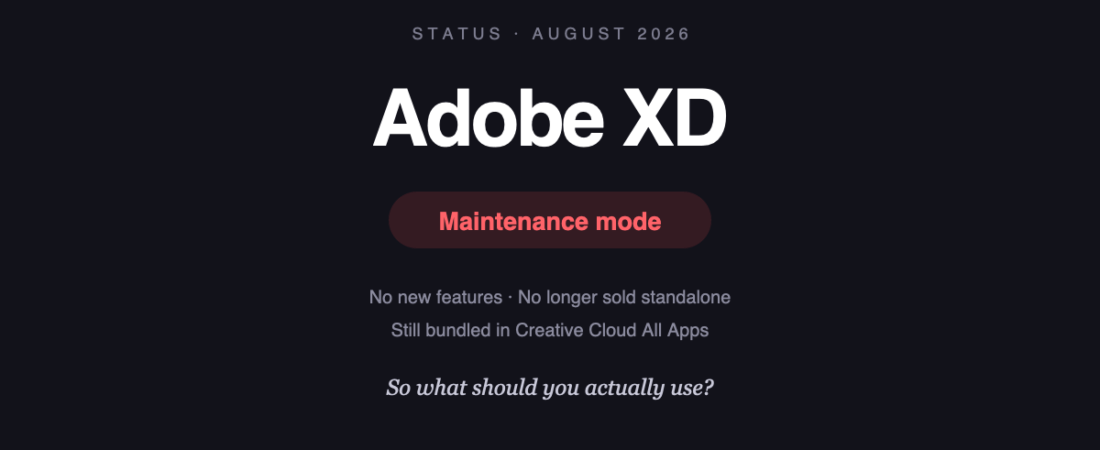
Adobe XD is in maintenance mode. Adobe has stopped investing in new features and no longer sells it as a standalone app. It still exists — bugs and security issues get patched, and it’s still bundled inside Creative Cloud All Apps — but it is not being developed.
Adobe has not announced a date when support ends entirely. That’s the awkward part: it isn’t switched off, so there’s no forced deadline. It’s just standing still while everything else moves.
| Question | Answer |
|---|---|
| Can I still use it? | Yes, if you have Creative Cloud All Apps |
| Can I still buy it standalone? | No |
| Will it get new features? | No |
| Will my existing files open? | Yes, for now |
| Is there an end-of-support date? | Not announced |
Why it happened
Adobe tried to buy Figma. Regulators blocked the deal, and the acquisition was abandoned in late 2023. Not long after, Adobe confirmed it would stop investing in XD.
Read that sequence in order and the logic is fairly plain: XD had lost the category, buying the winner didn’t work, and continuing to fund second place made little sense. Harsh for anyone who standardised on it, but not mysterious.
What to move to
Four realistic destinations, depending on what you actually need:
Figma — the default
Figma is where most XD users went, and it’s the pragmatic answer. It’s what the industry runs, so collaborators, contractors and new hires already know it. Free tier for individuals; from $16 per full seat per month for teams.
The catch: no genuine offline mode, and per-seat costs add up quickly across a larger team.
Penpot — if you need to self-host
Penpot is open source and can run entirely on your own infrastructure. For agencies under NDA, or anyone in healthcare, defence or finance where files genuinely cannot leave the building, this is the option that ends the procurement conversation.
The catch: a thinner plugin ecosystem and slower performance on very large files. We covered this in detail in Penpot vs Figma.
Sketch — if you’re Mac-only and want to own it
Sketch is still actively developed and offers a licence model where you keep the version you paid for. Appealing if the subscription treadmill is precisely what drove you away from Adobe.
The catch: macOS only, and it lost the collaboration race — expect fewer people around you to be using it.
Framer — if the design was going to become a website anyway
Framer collapses design and publishing into one step. If your XD files mostly became marketing sites, this removes the handoff entirely.
The catch: it’s a website builder with design tools attached, not a general-purpose design tool. Wrong fit for app interfaces or design systems.
Getting your files out
The honest position: there is no clean, lossless migration path. Nobody has built a converter that preserves components, prototype wiring and layout rules intact.
- Export SVG per artboard to preserve vector artwork. Reliable, but you lose interactivity and component structure.
- Rebuild components deliberately. Tedious, but a design system carried over badly is worse than one rebuilt properly — and it’s a chance to drop what you never used.
- Keep XD installed as an archive while you still have Creative Cloud access. Old files stay readable for reference even after you’ve moved active work.
Anyone promising a one-click migration that keeps everything is overselling it. Budget real time.
Do you have to move right now?
No. Nothing breaks tomorrow, and there’s no announced shutdown.
But a tool in maintenance mode gets steadily worse in ways that don’t announce themselves — OS updates it wasn’t tested against, file formats it never learned, integrations that quietly stop being maintained. The cost of moving goes up the longer you leave it, because you keep building on something with no future.
If you’re starting something new, start it elsewhere. If you have live projects, finish them in XD and move at the next natural break. There’s no emergency — just no reason to wait either.
Sources
- Adobe XD FAQ — Adobe’s own support documentation
- Directory listings: Adobe XD · Figma · Penpot · Sketch · Framer
Banner produced in-house. Status and pricing were accurate in August 2026. Adobe has not announced an end-of-support date, so check current status before making a migration plan around it.
122 ready-to-use AI prompts — organised by discipline and category, each copyable in one click, free and no sign-up needed. Browse the prompt library →