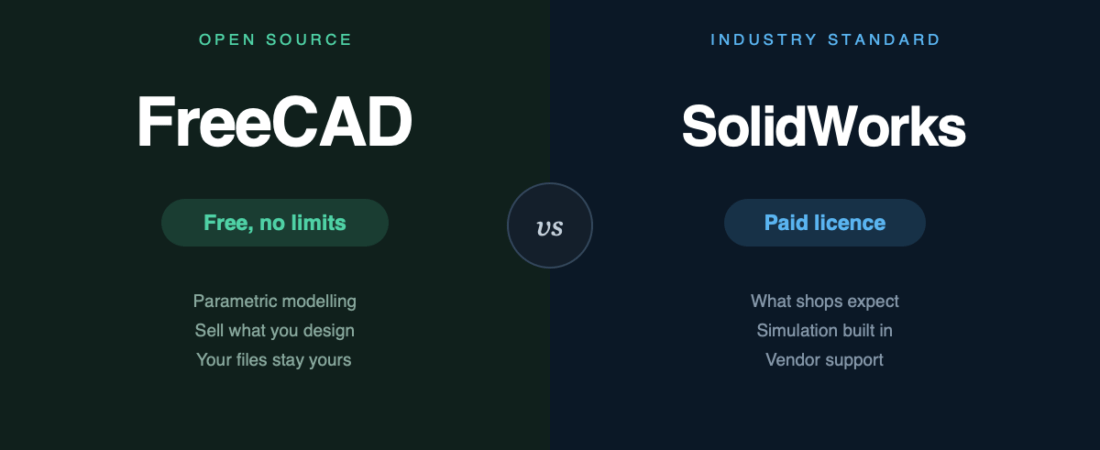
Most CAD comparisons come down to features. This one mostly comes down to licensing — and there is a detail buried in SolidWorks‘ cheap tier that catches people out badly enough to be worth the whole article.
The short version
- FreeCAD if you are learning, making things for yourself, selling small runs, or you simply cannot justify four figures a year.
- SolidWorks if you are employed in mechanical engineering, exchange files with machine shops and suppliers, or need simulation and vendor support that someone is accountable for.
What it costs
| FreeCAD | SolidWorks | |
|---|---|---|
| Price | $0 | Roughly $3,300–$7,100 depending on tier and reseller |
| Hobbyist option | n/a — it is all free | SOLIDWORKS for Makers, $48 / year |
| Commercial use | Unrestricted | Makers tier capped at ~$2,000 / year revenue |
| Licence | Open source (LGPL) | Commercial licence + subscription |
The Makers licence trap
SOLIDWORKS for Makers looks like the obvious answer for anyone who wants real SolidWorks without the bill. At $48 a year it very nearly is. Two things to understand before you commit a project to it:
- There is a revenue ceiling. You may sell what you design, but only up to roughly $2,000 a year. Cross it and you need a commercial licence.
- Saving is one-way. A file saved in the Makers version cannot be opened again by commercial SolidWorks. Not “loses some data” — cannot open it.
That second point is the one that hurts. If your side project succeeds and you upgrade, or you take a file to a shop running a commercial seat, your work does not come with you. Prototype in Makers if you like — just know it is a one-way door.
FreeCAD has no equivalent cliff. Sell what you make, at any volume, and your files open in the same software forever.
FreeCAD 1.0 fixed the thing everyone complained about
For years the standard objection to FreeCAD was the topological naming problem. In short: edit an early feature in your model, and later features could lose track of which face or edge they were attached to — so the model broke, sometimes spectacularly, often without an obvious cause.
It made FreeCAD feel unpredictable in exactly the situation parametric CAD is supposed to shine: changing your mind late.
FreeCAD 1.0 shipped a new naming algorithm that largely resolves this, alongside a built-in Assembly workbench and a much-improved interface. The developers are careful not to claim it is eliminated — and commercial CAD breaks models too — but it is now close enough to commercial behaviour that it should not be the reason you rule FreeCAD out.
If you tried FreeCAD before 2025 and gave up, that is the thing that changed.
Where SolidWorks is still clearly ahead
- It is what the industry runs. Suppliers, machine shops and employers expect SolidWorks files. STEP exports bridge a lot of this, but not drawings, tolerances or assembly intent.
- Simulation is integrated and trusted. FEA, motion and flow analysis in the same environment, with results people are used to signing off.
- Large assemblies behave better. Hundreds of parts is where FreeCAD starts to feel its age.
- Someone is accountable. A support contract and a reseller you can phone matters when a deadline is real.
- Drawings and GD&T are more mature. Production-ready detailing is still smoother.
Where FreeCAD still frustrates
Being honest about this is the point of the site, so:
- The workbench model is confusing at first. Switching contexts to do different kinds of work is coherent once it clicks, and baffling before that.
- Consistency varies. Different workbenches are maintained by different people, so polish is uneven.
- You are the support contract. Forums and documentation are good; nobody is obliged to answer you.
- Hiring is harder. “FreeCAD experience” is a much shorter list than “SolidWorks experience.”
The bottom line
SolidWorks is better software, and for a working mechanical engineer the cost is usually not the deciding factor — the ecosystem is. Files go out, files come back, everyone speaks the same format.
FreeCAD 1.0 is the first version that is genuinely credible rather than merely admirable. For learning, for personal projects, for small-run products, and for anyone whose CAD budget is zero, it now does the job without the trapdoor that used to make people abandon it.
And unlike the $48 Makers tier, it will not quietly take your files hostage the day the project starts working.
Sources
- FreeCAD — official site and 1.0 release notes
- Topological naming problem — FreeCAD documentation
- SOLIDWORKS for Makers — official, including licence terms
Banner produced in-house. Pricing and licence terms were accurate in August 2026 — SolidWorks commercial pricing in particular is reseller-quoted and varies by region, so confirm before budgeting.
122 ready-to-use AI prompts — organised by discipline and category, each copyable in one click, free and no sign-up needed. Browse the prompt library →